Restarting Jobs on Agents
Restarting a Job on an Agent can help resolve the following issues:
- Database errors.
- Share's identifying errors.
- Missing folder errors.
- Inconsistent Enterprise Hybrid Work Job state or issues synchronizing the contents of the Job folder.
- Forcing an Agent to re-download data in a Distribution Job without having to restart the Job Run.
You can restart a Synchronization, Hybrid Work and Enterprise Hybrid Work Jobs (on end-user Agents only), or a completed/active Distribution, Consolidation or Script Job Runs. Note that restarting the latter will create a new Job Run.
Reference Agents
You cannot initiate a restart on a Reference Agent. To do that, temporarily assign Reference Agent duties to a different Agent, initiate the restart, then re-assign the Reference Agent role to the Agent in question.
Restarting a Job on an Agent:
- Deletes database files (
.db,files.dbandsf.db) associated with the Job Run and create new ones. If there are a lot of files and/or a lot of Agents in the Job, it will take time for the restarted Agent to scan the files and merge the folder tree with others, days for tens of millions of files. - Deletes
.sync/IDand part files.!sync. New.sync/IDwill be created. The partially downloaded files will be downloaded as new. - Preserves
IgnoreList,StreamsList,Archiveand other files inside the.syncfolder apart from those mentioned above. - In Enterprise Hybrid Work Jobs, restarting Job involves unmounting the Job folder, clearing the associated cache and mounting the Job folder again.
Note
Restarting a Job results in two events added to the Job Run - Agent was removed from the Job and added back.

Restarting a completed Job Run for an Agent has some peculiarities. If only destination Agent(s) is selected, all sources will be automatically added to the new Job Run. Same if only source Agent(s) was selected - all destinations from the Job will be added to the new Job Run.
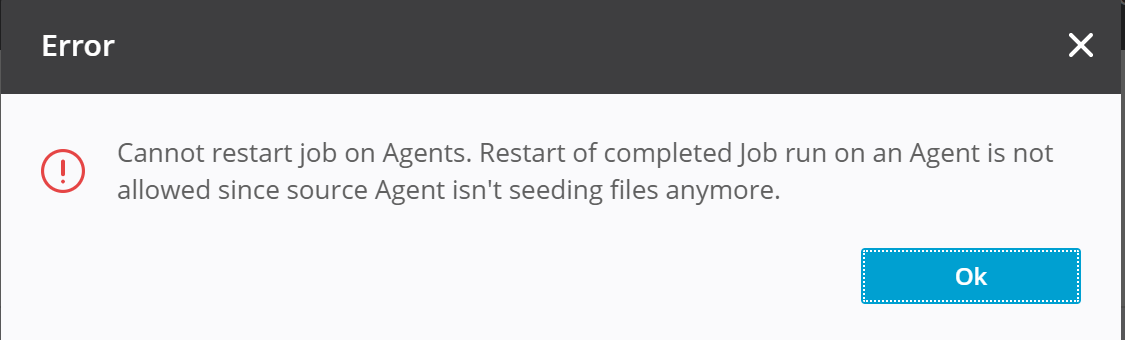
Restarting the Job Run where data transfer is complete, but the Agent is still executing a "After all Agents complete downloading" script is not supported and gives an error.
Full re-indexing in non-Enterprise Hybrid Work Jobs
A side effect of restarting a non-Enterprise Hybrid Work Job is that the Agent must re-build indices for all files within the Job folder. If the Job contains millions of files, re-indexing may take significant time.
The Agent remains in Job Run even if the restarting process takes long time. While the Agent is being restarted it will report loading status in the Job Run.
