Scheduled pause in jobs
Feature availability
Available in: Resilio Active Everywhere v5.0.9
Available for: all types of jobs, but not Script job.
You can configure the intervals during which the Agents in the job will be paused.
Important
Agents of versions older than v5.0.9 won't honor this pause rule.
For Synchronization, File Cache, and Hybrid work jobs, this configuration is available under the "Settings" tab. For Distribution, Consolidation jobs, it can be found in the "Job scheduler" tab.
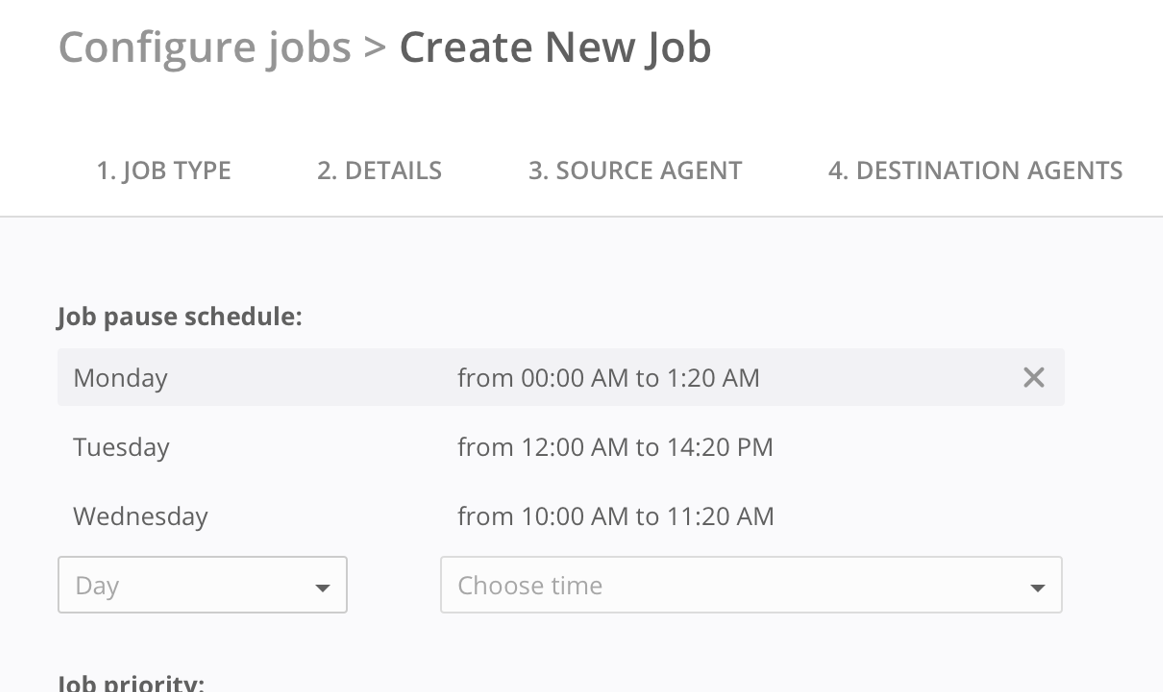
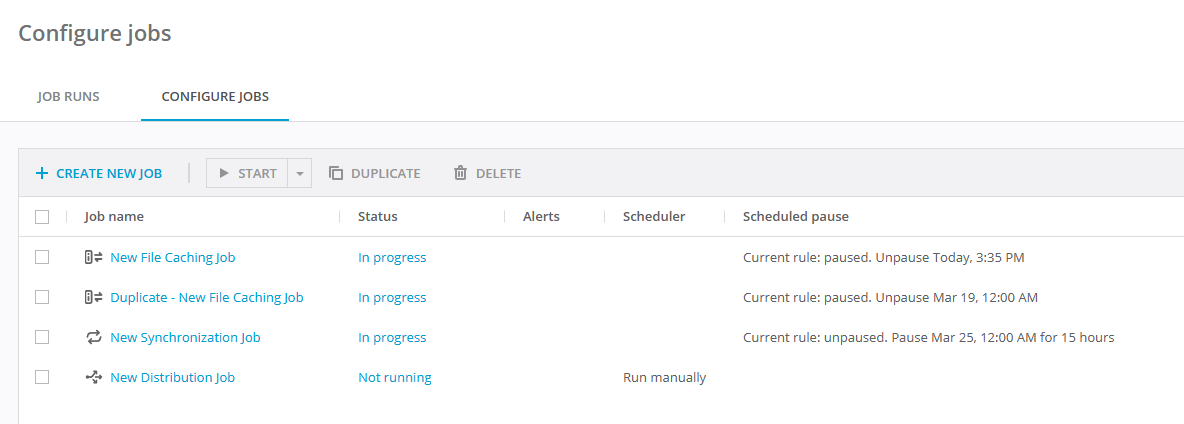
Several rules are supported. Each timeframe applies to the local Agent's time, so be aware if the MC server and the Agents are in different time zones. The current job's rule is shown in the local browser's time as well. Agents may report different timeframes in a job run, if they're located in different timezones.
While the job is active, the job run will report the status as "paused by job schedule," and the Agents within the job run will display the time until they are paused. The time shown in the statuses is updated to match the local browser's time in the WebUI.
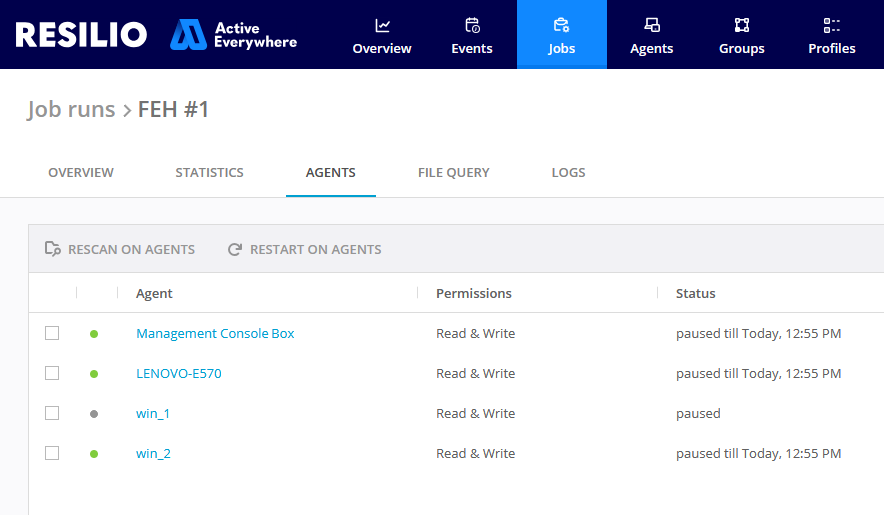
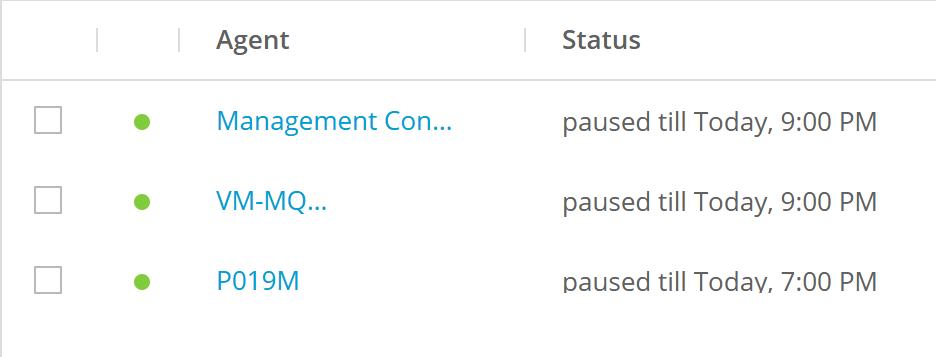
This pause feature is also supported for High Availability groups. The group leader will report the corresponding status.
Limitations and peculiarities
Daylight saving time changes should be taken into account. If the pause is scheduled to start or end during a time shift, it will either be skipped or extended accordingly.
For example:
- If a pause is set from 02:00 to 04:00, and the clocks move forward from 01:00 to 03:00, the pause will be applied and will last for one hour.
- If a pause is set from 02:00 to 03:00, it will be skipped for that week's iteration.