Dump debug status
Overview
Debug status file shows the current activity of the chosen Agent.
View dump debug status
Note
The Agent must be online to view its debug status.
To view the Agent's debug status:
- In the Management Console, select Agents, then locate and click the desired Agent.
-
Select Configuration, then in the Troubleshooting section, click Show.
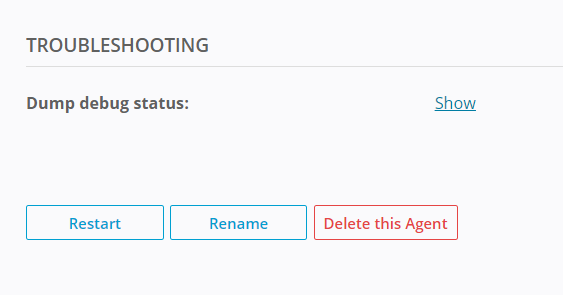
A new tab opens with debug information in JSON format. It shows the status and metrics of all Jobs the Agent participates in, and its main purpose is troubleshooting by the support team.
"root":{
    "id":"2",
    "base":{...},
    "components":{...},
    "settings":{...},
    "trackers":[...],
    "transfers":[...]
}
idis the Agent's identifier.-
baseobject contains common information about the Agent, including its name, peerid, number of active downloads and status of connection to trackers. -
componentsobject contains information about the Agent's components, including their version and status. -
settingsobject contains essential Agent settings, based on the Agent profile assigned to it. trackersarray contains information about the trackers the Agent is connected to, including their address, connection status and protocol.-
transfersarray contains information about the ongoing transfers, including their status, progress and speed."transfers": [ { "errors":[...], "fs":{ "disk_io_queue_size":0, # read-write operations queue size "fs_errors_number":0, # number of failed transfers "indexing":false, # performing periodic rescan of the folder "indexing_new_files":false, # rechecking new or updated files "invalidated_files": 0, # files updated in read-only folder "job_queues_size":{ # the number of file entries operations with the corresponding priority "high":0, "idle":0, "low":0, "normal":0, "realtime":0 } }, "locked_files":0, "path":"\\?\C:\resilio-jobs\sync-tss-1", "remote_files_to_process":0, "tree_allocated_size":1048576, "tree_unused_size":144 }, "id":"iddqdidkfa", # Job identifier, all Agents participating in this job will have the same id "name":"New Synchronization Job", "peers":[...], # list of connected Agents and their status, location, name, etc. "priority":5, "sett":{...}, "size":{...}, "statistics":{...}, # Job statistics "status":"synced", "type":"folder" } ]peersarrayIf you have an Agent in the Job and it's not present in the
peersarray, it means that these two Agents are not connected to each other directly - check connection to tracker server and network tunnel between the Agents in question.