The Agent cannot reach the configured main server
Resilio versions
This guide covers Resilio v5.0 and earlier and is retained for users of those versions. For Resilio v6.0 and later, see this guide , which describes the latest functionality.
The error message was introduced in version 2.12.4 and appears in the Agent UI, but is NOT reported to the Management Console.
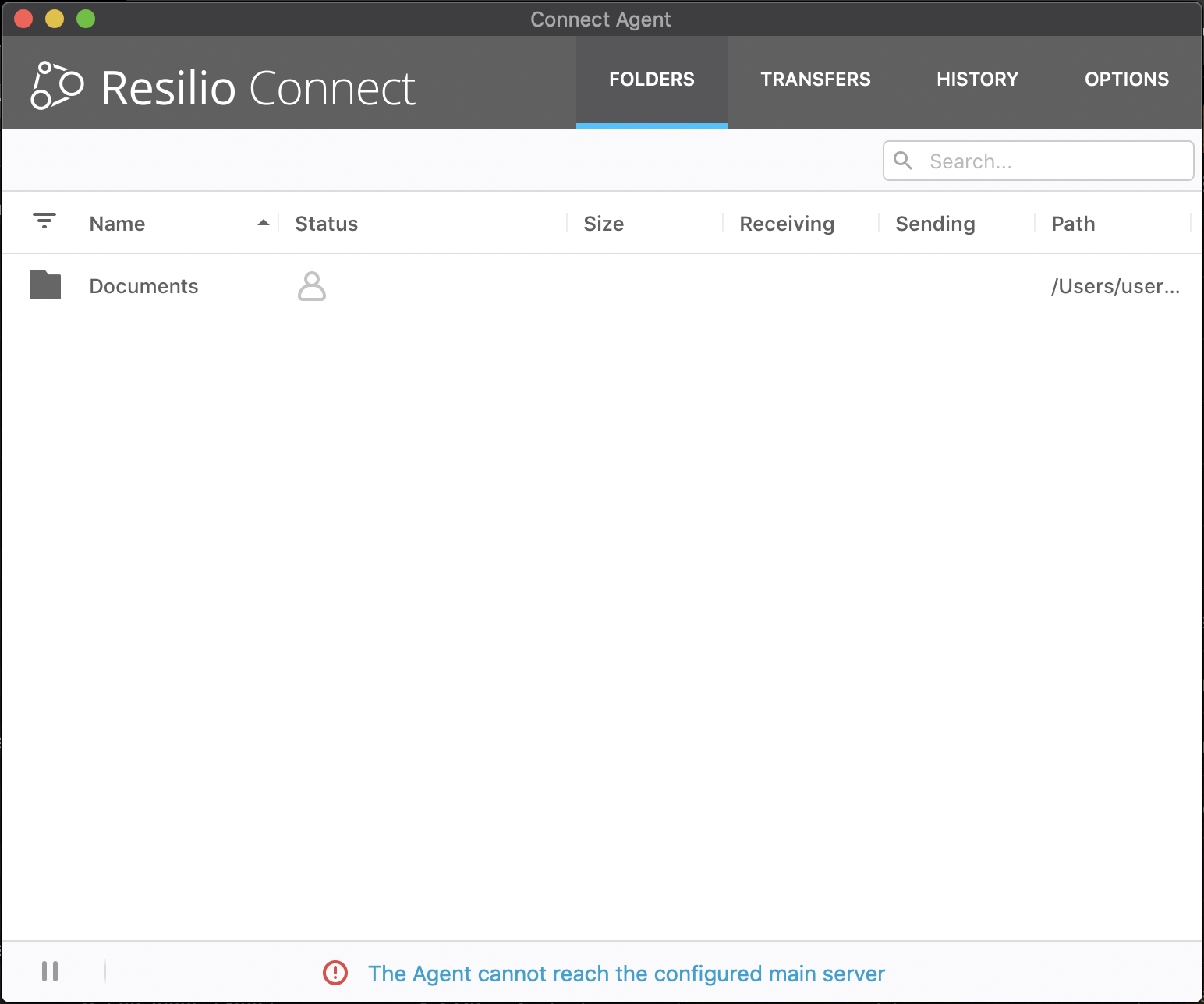
This error message means that the Agent has a Priority Agent, but cannot establish or has lost connection to this server, or all Priority Agents if several are configured. Also, the error is reported if the Priority Agent is not added to the job.
It is not the same as connection from the Agent to the Management Console!
What does it mean?
In most scenarios Priority Agent is the only one that has all the copies of files and other
Agents in the job are in Selective Sync mode and thus have only files'
placeholders.
With missing Priority Agent, it's not guaranted that there's at least one copy of new or updated files on other Agents in the job. Therefore, it's highly not advisable to remove, rename or move any files and subfolders while you see this error.
What to do next?
Raise this message error with Resilio Administrator, to check connectivity
from the Agent to the Priority Agent.
Also, check job configuration and make sure that the Priority Agent is added to the job at all.
Error code: NO_PRIORITY_PEERS_ONLINE